
- How it works
- Compatible devices
Choose a KDDI/au unlimited-data eSIM for Japan before you fly, then follow practical activation steps for Narita, Haneda and Kansai arrivals.
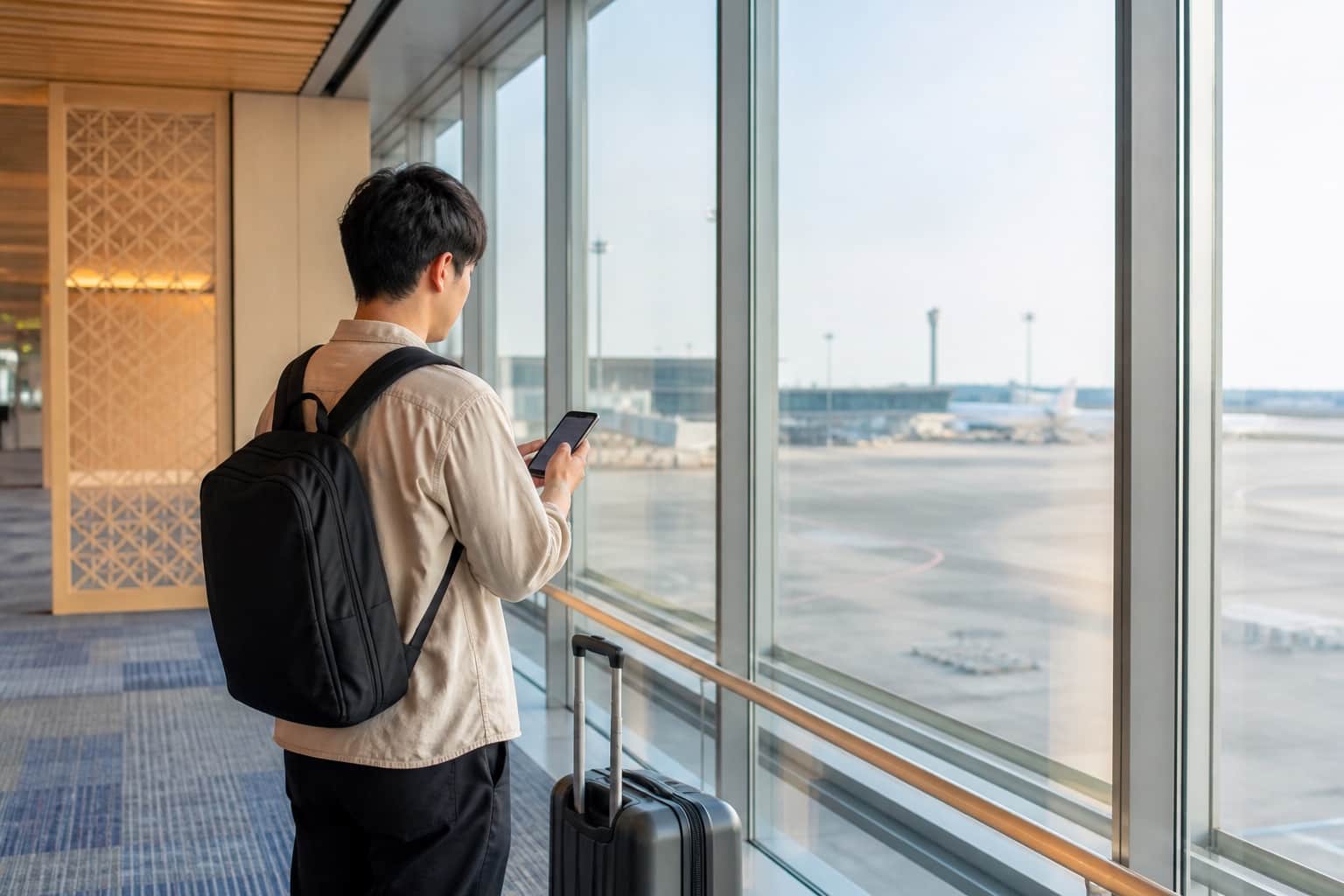
A Japan airport eSIM lets you organise mobile data before the flight, install it on reliable Wi-Fi and connect after landing without making a SIM-card counter your first stop. That is especially useful at Narita, Haneda and Kansai, where the next decision may involve several rail, bus or terminal-transfer options.
Quick answer: buy and install your Japan eSIM before departure, but leave it off for mobile data until you arrive. A BambooSIM KDDI/au Unlimited eSIM activates when it is switched on and first connects to the supported network in Japan. Choose a duration that includes both the arrival and departure calendar days, and remember that unlimited phone data does not mean unlimited hotspot.
See the current KDDI/au Unlimited Japan eSIM →
This guide was fact-checked on 18 August 2026 against current BambooSIM product terms, official KDDI/au information, Apple support, Japan National Tourism Organization guidance and the official Narita, Haneda and Kansai airport websites. Prices and live inventory can change, so the product page and checkout remain the final source for the plan you select.
For an unlocked, eSIM-compatible phone, buying before departure is usually the simpler arrival plan. You can check the order, save the instructions and install while you still have another internet connection. After immigration and baggage collection, you only need to turn on the Japan line and select it for mobile data.
Airport connectivity is still a useful fallback. Narita officially lists mobile-phone, Wi-Fi-rental and SIM-card facilities, Haneda lists rentals and prepaid SIM sales, and Kansai lists SIM vending machines and portable-Wi-Fi services. Those options can help if a phone is locked, lacks eSIM support or fails its compatibility check. They can also involve finding the correct floor or counter, checking opening hours, collecting hardware and—when renting pocket WiFi—remembering a return.
| Option | Best fit | What happens after landing | Main limitation |
|---|---|---|---|
| Pre-installed Japan eSIM | Travellers with an unlocked eSIM phone | Switch on the line, select it for data and test it | Must check compatibility before purchase |
| Airport physical SIM | A compatible unlocked phone with a SIM tray | Find the seller, buy, insert and configure it | Counter, stock and opening-hour dependence |
| Airport pocket WiFi | A group that will stay together | Collect and connect to a separate router | Extra device to charge, carry and return |
| Home-carrier roaming | Short trips where the quoted roaming cost is acceptable | Enable the home plan according to carrier instructions | Charges and inclusions vary by home carrier |
Apple confirms that an iPhone must be carrier-unlocked to use another provider. On iPhone, check Settings → General → About → Service Provider Lock; an unlocked device shows No SIM Restrictions. Android compatibility varies by exact model, sales region and carrier, so an EID or eSIM menu is useful evidence but the device list should still be checked before checkout.
For a deeper comparison, read Japan eSIM vs pocket WiFi vs SIM card.
Airport Wi-Fi can help you finish setup, but it does not travel with you. The Japan National Tourism Organization says most visitors use trains, the Shinkansen and buses, and recommends route and fare tools such as Japan Travel by NAVITIME, Japan Transit Planner and Google Maps. The same guidance notes that rural services require more planning than high-frequency city routes.
Offline preparation is still worthwhile: save your hotel address in English and Japanese, download the area around your first stop and take a screenshot of the first transfer. It is not a complete substitute for live data. Google states that its offline maps do not provide public-transport, cycling or walking directions, traffic information or alternative driving routes. Those are precisely the functions many visitors need between an airport station and an unfamiliar hotel exit.
A working connection also helps with:
This is the commercial case for unlimited data: not that every one of those tasks is data-heavy, but that they happen repeatedly across a multi-city trip. A plan with headroom lets the organiser use navigation, translation, messaging and travel apps without rationing routine phone data.
Narita's official rail page lists the Narita Sky Access, Keisei and JR lines, with services towards destinations including Ueno, Tokyo, Shibuya and Shinjuku. The right choice depends on your first address, departure time, transfers and ticket—not simply the train name a previous traveller used.
Before leaving the arrival area:
Narita also publishes a detailed list of SIM sales and Wi-Fi-rental locations. Some facilities have limited hours and are tied to particular terminals or floors, which is why a pre-installed eSIM can remove one variable after a long flight. If your eSIM does not connect immediately, use airport Wi-Fi for diagnosis before changing technical settings.
Haneda's official access tool covers train, monorail and bus routes from Terminals 1, 2 and 3. International services can arrive at Terminal 2 or Terminal 3, so check the terminal on the day rather than relying on an old itinerary screenshot.
Haneda provides HANEDA-FREE-WIFI in all three terminals, although the airport warns that connection can be difficult in some areas and that availability differs within shops. Treat it as a setup bridge: connect, retrieve your order if necessary, switch to the KDDI/au eSIM and test mobile data before starting the trip into Tokyo.
The airport also lists Wi-Fi rental and SIM facilities across all three terminals, including arrival-lobby services. A digital eSIM still avoids queueing for a product or carrying a router. That advantage becomes clearer if your group separates, because each traveller with their own eSIM keeps maps and messaging on their own phone.
Kansai International Airport is the common gateway for Osaka, Kyoto and wider western-Japan itineraries. The official airport site lists JR West and Nankai rail options, and it notes that Kansai Airport Station connects directly to Terminal 1 and the Aeroplaza. Terminal 2 passengers may need the inter-terminal shuttle before using the railway station, so live directions can prevent a wrong turn at the start of the trip.
Kansai provides free Wi-Fi across most airport areas and lists both SIM-card vending machines and Wi-Fi-rental facilities. Its official Wi-Fi notice says the connection between a device and the access point is not encrypted and that service may be unavailable because of device or system conditions. Use it for setup when needed, but prefer your mobile connection for ongoing travel and avoid treating public Wi-Fi as a guaranteed or private network.
For a route that continues beyond the airport, open the Tokyo, Kyoto and Osaka data guide before departure and save the first day's essentials offline.
The current full-speed BambooSIM Japan Unlimited plans connect directly to the KDDI/au network and use a Japan IP. Normal setup does not require data roaming, and the profile usually configures its APN automatically. It is a data-only service: there is no Japanese phone number, ordinary voice calling or SMS, but apps such as LINE, WhatsApp, iMessage, maps and email work over data.
Under the current full-speed plan terms, phone data has no daily data cap and BambooSIM does not apply a scheduled usage-triggered slowdown. That wording does not guarantee the same speed everywhere. KDDI provides a nationwide area lookup, and actual 4G/5G performance can vary with the exact location, indoor or underground conditions, congestion, the phone and its supported bands. A phone may correctly fall back to 4G where 5G is not available or suitable.
The dedicated full-speed page currently shows these inclusions:
| Plan duration | Phone data | Separate hotspot allowance |
|---|---|---|
| 7 days | Unlimited | 6GB |
| 15 days | Unlimited | 14GB |
| 31 days | Unlimited | 30GB |
The broader Japan selector may also show an unlimited option capped at 10 Mbps. It is suitable for maps, browsing and HD video, but it is not the same product as the full-speed option. Check the selected speed, duration, current price and hotspot allowance in the live product card before paying.
Choose a KDDI/au Unlimited Japan plan →
BambooSIM KDDI Unlimited validity counts in calendar days from activation, rather than rolling 24-hour blocks. If a seven-day plan first connects late on Monday, Monday is still day one. Count from the first day you need airport data through the day you need directions back to the departure terminal.
Before checkout, confirm:
Do not use hotel nights as the only measure. A nine-night trip normally spans ten calendar dates, and an airport connection at both ends may require coverage on every one of them. For a worked example, see the Japan eSIM for 10 days guide.
Use stable Wi-Fi before flying and keep the QR code available on a second screen or printed copy. The QR code normally needs to be scanned by the phone receiving the eSIM.
KDDI Unlimited normally needs neither data roaming nor a manual APN change. If it does not connect, confirm the selected data line, wait a few minutes, toggle airplane mode once and restart the phone. The eSIM may appear as KDDI or au, rather than BambooSIM. Only use the manual Japan Unlimited APN guide as a final troubleshooting step.
Do not delete the eSIM while troubleshooting. Contact support first, because a deleted profile may not be recoverable or replaceable.
Dual-SIM phones can keep an Australian line available for bank messages or ordinary calls while the Japan eSIM handles data. Apple warns that keeping both lines active can still create roaming fees from the home provider. Assign mobile data to the Japan line, disable mobile-data switching and check the Australian carrier's overseas call and SMS charges before departure.
For screenshots and device-specific menus, use the full Japan eSIM setup and arrival checklist.
If those points match your phone and itinerary, the KDDI/au Unlimited plan is designed to remove the daily data calculation from the rest of the trip.
Get the current Japan Unlimited eSIM →
The airports list physical SIM sales or vending facilities and Wi-Fi-rental services. A travel eSIM can instead be bought and installed before departure, so a compatible unlocked phone can connect without visiting a counter after landing.
Install it before travel on reliable Wi-Fi, then switch it on for mobile data after landing. The BambooSIM KDDI/au eSIM activates when it first connects to the supported network in Japan.
The current full-speed plan has unlimited phone data with no daily data cap and no scheduled usage-triggered throttling from BambooSIM. Network conditions, location, buildings and device support still affect real speed. Hotspot has a separate, limited allowance.
No. It is data-only, with no Japanese number for ordinary calls or SMS. You can use data-based calling and messaging apps, or keep a home SIM active for calls and SMS subject to the home carrier's roaming charges.
No provider can guarantee 5G at every exact place. The full-speed plan uses the fastest available 5G or 4G connection, while real availability and speed depend on KDDI/au coverage, the phone, congestion and local conditions.
Yes, within the selected plan's separate hotspot allowance. The phone's own data is unlimited under the current terms, but tethering is not. Travellers who may split up should consider an eSIM on each compatible phone rather than relying on one person's hotspot.
Sources and product terms last checked: 18 August 2026.
Plan a 10-day Japan eSIM for KDDI/au coverage, unlimited-data fine print, hotspot use, setup timing and trips from Tokyo to Kyoto.

Alex A.
Jul 24, 2026

Compare 10 Mbps and full-speed Japan eSIMs for maps, video, uploads and laptop use. Separate the speed cap from hotspot data before choosing a KDDI plan.

BambooSIM Editorial Team
Sep 25, 2026

Budget Japan eSIM hotspot data for calls, laptop files and longer trips. Check separate KDDI tethering allowances before choosing unlimited or fixed data.
Alex A.
Apr 25, 2026
Before you travel
Check current data, validity, coverage and activation details for your Japan trip before you choose.
